Big Tower Tiny Square on a School Chromebook: Controls and Saves
Published · 2 min read
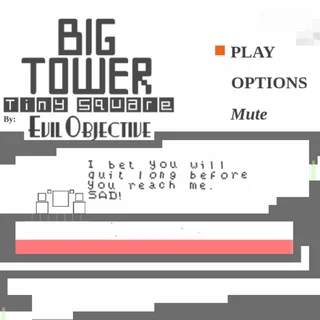
Big Tower Tiny Square is a common pick for a short break at school because it runs in a normal browser tab and saves itself as you go. Here is how it behaves on a school Chromebook, how the save works, and what to try when something does not respond.
What loads when you press Play
The game on this site is the HTML5 version of Big Tower Tiny Square, made in Construct 3 by Evil Objective. The files come from bigtowertinysquare.org itself — nothing is framed from another games portal. After a short intro ("You are Tiny Square"), you reach the menu with PLAY, OPTIONS and Mute. Press Space or click PLAY to start climbing.
Controls on a Chromebook
- Move: A and D, or the left and right arrow keys.
- Jump: W, Up or Space. Tap for a small hop, hold for a big jump.
- Back to checkpoint: Y.
If the keys do nothing, click once inside the game so it has keyboard focus. The game also reads a USB or Bluetooth controller, and on a touch screen it shows its own left, right and jump buttons.
How the save works
The Options screen says it plainly: the game auto-saves every 15 seconds and puts you back at your last checkpoint. The save lives in the browser's local storage for this site, which means:
- It stays on that device and that browser profile. Another Chromebook starts from the bottom.
- Guest mode and incognito windows forget everything when closed.
- If the school clears browsing data at the end of the day, the climb is cleared with it.
- The erase button in Options (hold it, or press Backspace) wipes the save on purpose.
The same save also stores your stats — total deaths, total jumps and your time — so you can compare runs with friends.
If it will not start
- Reload the page. The first load fetches the game files; the second is usually faster.
- Check that the tab is not muted if you are waiting for sound — the game starts either way.
- Turn off extensions that block scripts for this site; the game cannot run without JavaScript.
- If the screen stays white after a minute, tell us on the contact page with your device and browser.
If your school network blocks the whole site, only the network's administrator can change that.
Finished the tower?
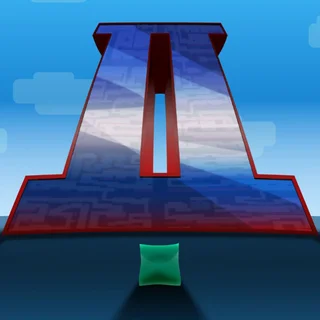
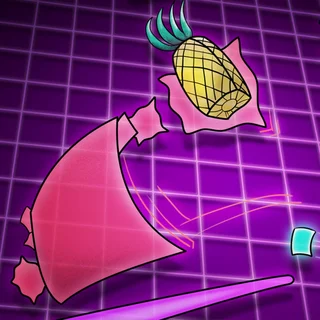
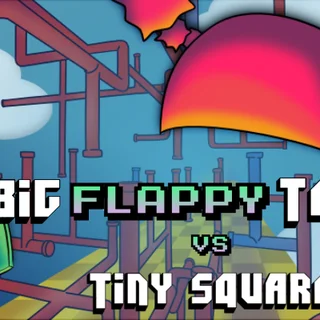
Evil Objective made more Tiny Square games, and three are on this site: Big Tower Tiny Square 2 with a brand-new tower, Big NEON Tower vs Tiny Square in glowing neon outline, and Big FLAPPY Tower vs Tiny Square, where every jump is a flap. For more of the same precise jumping, try World's Hardest Game, Level Devil, Boxel Rebound or Pixel Speedrun.
More from the blog
- Big Tower Tiny Square Guide: Jumps, Traps and Checkpoints
The short hop, the held jump and the wall-jump; what red, blue, orange and green mean; and how to beat a room that keeps killing you.